
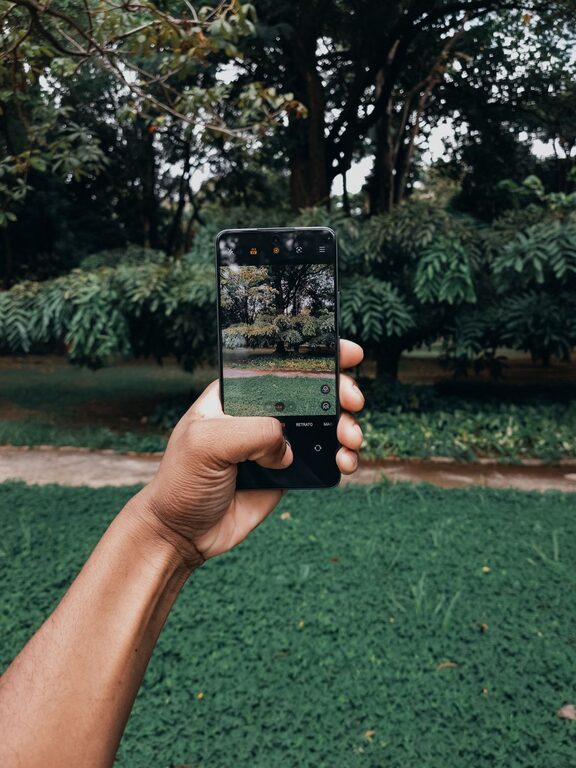
Taking great photos with your phone doesn’t require expensive equipment or professional training. With just a few simple tips, you can elevate your mobile photography and capture images you’ll be proud to share. Whether you’re shooting landscapes, portraits, or everyday moments, these beginner-friendly techniques will help you take better phone photos. Let’s dive in!
Understand Your Phone Camera’s Features
Before snapping your next shot, take some time to explore your phone’s camera app. Most smartphones come loaded with handy functions that many users overlook.
– Focus and Exposure: Tap the screen where you want the camera to focus. This usually also adjusts the exposure (brightness) for that area.
– Gridlines: Turn on the gridlines option in settings. The grid divides your screen into thirds horizontally and vertically, helping you compose balanced shots using the “rule of thirds.”
– HDR Mode: High Dynamic Range (HDR) helps capture more detail in both bright and dark areas. Use it for high-contrast scenes like sunsets.
– Portrait Mode: If your phone has it, portrait mode creates a blurred background effect, making your subject stand out.
– Timer and Burst: Use the timer for selfies or group shots to avoid shaky images, and burst mode to capture fast action.
Keep Your Lens Clean
It sounds simple, but a smudged or dirty camera lens can seriously affect photo quality. Wipe your lens gently with a soft, lint-free cloth before taking pictures. This will help keep images sharp and clear.
Focus on Good Lighting
Lighting is one of the most important factors in photography. Here’s how to work with light for better phone photos:
– Natural Light is Best: Whenever possible, use natural daylight instead of indoor artificial lighting. Early morning or late afternoon light (golden hour) offers soft, warm tones.
– Avoid Harsh Midday Sun: Direct bright sunlight can cause harsh shadows and highlights. If shooting midday, find shaded areas or use the HDR mode.
– Backlighting Tips: When your subject is in front of a strong light source, try adjusting your angle or tap to focus to avoid silhouettes unless that’s your intention.
– Use Reflectors: Simple reflectors like a white poster board can bounce light onto your subject, brightening shadows.
Compose with Care
Composition makes your photos engaging and balanced. Here are a few key principles:
– Rule of Thirds: Imagine dividing your frame into nine equal parts using gridlines. Place your subject along these lines or at their intersections.
– Leading Lines: Use natural lines like roads, fences, or rivers to draw the viewer’s eye into the photo.
– Symmetry and Patterns: Look for symmetrical scenes or repeating patterns which can create visually appealing images.
– Fill the Frame: Get closer to your subject or zoom in to eliminate distractions and focus attention.
– Try Different Angles: Experiment with shooting from high, low, or side perspectives rather than just eye level.
Steady Your Phone
Blurry photos often come from camera shake. To reduce this:
– Hold your phone with both hands for better stability.
– Lean against a steady surface or set your phone on a flat spot.
– Use the timer to avoid shaking from tapping the shutter button.
– Consider a small tripod designed for smartphones.
Edit Your Photos
Editing is a great way to enhance your photos and bring out their best qualities. Many phones have built-in editing tools that are easy to use:
– Crop and Straighten: Remove unwanted elements and fix tilted horizons.
– Adjust Brightness, Contrast, and Saturation: Fine-tune colors and lighting.
– Apply Filters Sparingly: A subtle filter can improve mood, but avoid overdoing it.
– Remove Minor Blemishes: Some apps offer tools to clean up spots or distractions.
Popular free apps like Snapseed, VSCO, or Lightroom Mobile offer more advanced editing features if you want to explore further.
Practice Regularly and Experiment
The best way to improve is simply to practice often. Take your phone with you and try shooting different subjects — nature, street scenes, people, food, pets. Try new techniques, lighting conditions, and compositions. Review your photos critically and note what you like or want to change next time.
Bonus Tips
– Use the Zoom Wisely: Optical zoom (if available) yields better results than digital zoom which reduces quality. Try cropping later instead.
– Shoot in Burst Mode for Action: Capture fast-moving subjects in a series and pick the best frame.
– Backup Your Photos: Use cloud storage or a dedicated app to keep your images safe.
—
Taking better phone photos is all about observation, creativity, and a little practice. By understanding your camera’s features, paying attention to light and composition, and editing thoughtfully, you can create beautiful images with just your smartphone. Happy shooting!